Introduction
Discover Queco, its architecture, the main concepts of the platform as well as the roles and permissions that enable its operation.
In this Chapter
|
After this Chapter, you will be able to:
|
|---|
1.1 What is Queco?
Queco is a cloud-based Queue Management System (QMS) designed to streamline the flow of customers and service requests across one or more physical or virtual service points. Built for organizations that operate multi-agency environments such as government offices, banks, telecoms, and service centers Queco eliminates manual queue tracking, reduces wait times, and gives managers real-time visibility into agent performance and service delivery.
At its core, Queco enables three things:
-
Organize: Structure your agencies, define service counters (guichets), and configure the services you offer.
-
Operate: Create and process service tickets in real time, with each ticket routed to the right counter and agent.
-
Analyze: Track occupancy rates, service volumes, wait times, and agent performance through built-in analytics.
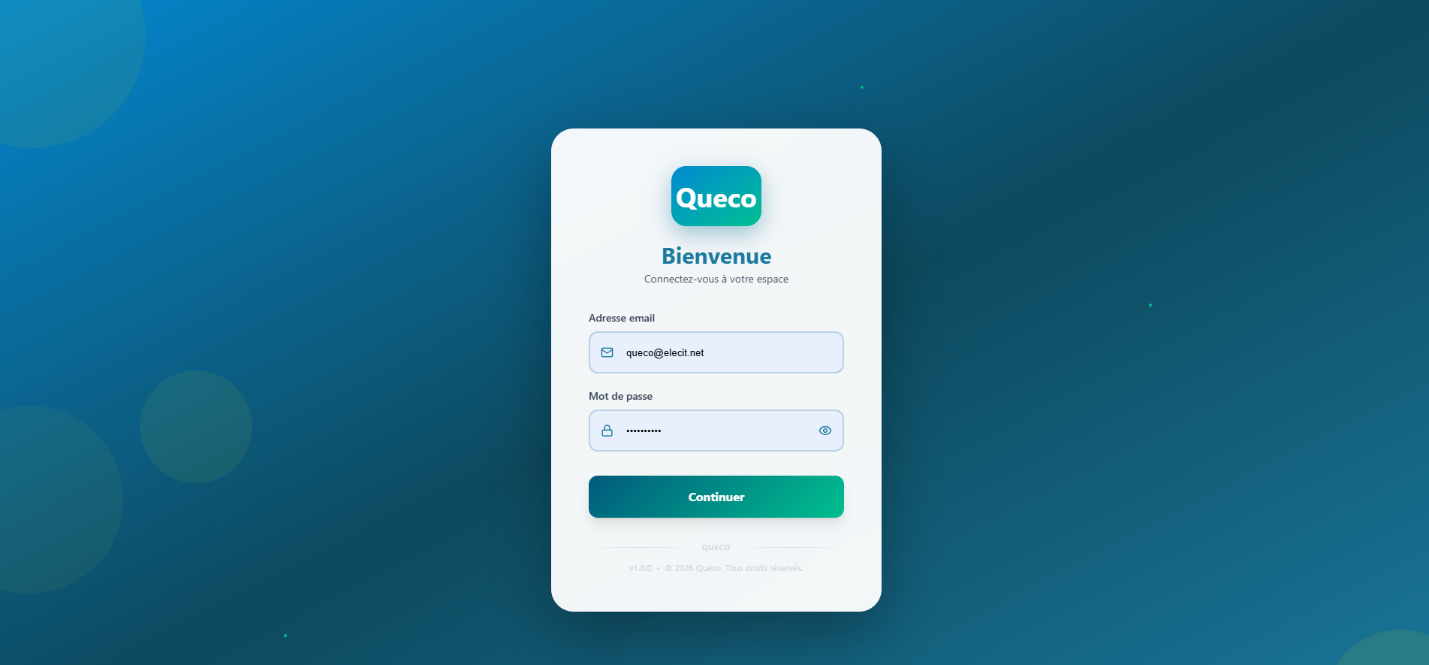
Figure 1.1 — Queco platform overview / login screen |
|---|
1.2 Who is This Manual For?
This manual is intended for all personnel who interact with the Queco platform. Depending on your role, only certain sections will apply to you. The table below outlines which chapters are most relevant to each user type.
| Role | Responsibilities | Relevant Chapters |
|---|---|---|
| Super Admin | Full platform access creates agencies, users, roles | All chapters |
| Manager | Oversees agents, monitors analytics, manages services | Ch. 3, 5, 6, 7 |
| Agent (Guichetier) | Processes tickets at the counter daily | Ch. 2, 6 |
1.3 Platform Architecture Overview
Queco is built around a hierarchical organizational model. Understanding this structure is essential before configuring or using the platform.
Platform (Global): The top-level environment managed exclusively by the Super Admin. Contains all agencies and their data.
→ Agency: An independent organizational unit (e.g., a branch office or department). Each agency has its own users, counters, and services.
→ Guichet (Counter): A physical or virtual service point within an agency. Agents are assigned to guichets to process tickets.
→ Service / Operation: A category of work offered by an agency (e.g., Account Opening). Each service contains one or more operations (specific tasks).
→ Ticket: A service request created for a customer. A ticket is linked to a specific service/operation and is routed to an available guichet.
1.4 Key Concepts & Terminology
The following glossary defines terms used throughout this manual. Familiarize yourself with these before proceeding to later chapters.
| Term | Definition |
|---|---|
| Agency | An independent organizational unit within Queco. Each agency manages its own counters, users, and services. |
| Agent / Guichetier | A front-line user who operates a counter and processes customer tickets. |
| Analytics | Built-in reporting module showing real-time and historical activity data per agency. |
| Counter (Guichet) | A service point (physical desk or virtual channel) where tickets are processed. |
| Dashboard | The main post-login screen tailored to each user role, showing relevant summaries and quick actions. |
| Manager | A user with supervisory access to agents, analytics, and service configuration within their agency. |
| Operation | A specific action or task within a service (e.g., 'Verify Identity' within 'Account Opening'). |
| Permission | A granular access right granted to a role, controlling what actions a user may perform. |
| Role | A named profile (Super Admin, Manager, Agent) bundling a set of permissions. |
| Service | A category of work offered to customers at an agency (e.g., Payment, Registration). |
| Session | An authenticated login periods. Sessions expire after inactivity for security. |
| Super Admin | The highest-level user with unrestricted access to all platform features and agencies. |
| Ticket | A digital service request created for a customer, tracked through its lifecycle from creation to closure. |
1.5 Roles & Permissions Summary
Queco uses a role-based access control (RBAC) model. Every user is assigned exactly one role. The role determines which pages, actions, and data the user can access.
| Feature / Action | Super Admin | Manager | Agent |
|---|---|---|---|
| Create / manage agencies | ✔ | ✘ | ✘ |
| Create / manage users | ✔ | Limited | ✘ |
| Assign roles & permissions | ✔ | ✘ | ✘ |
| Create / manage guichets | ✔ | ✔ | ✘ |
| Define services & operations | ✔ | ✔ | ✘ |
| Create tickets | ✔ | ✔ | ✔ |
| Process tickets at counter | ✔ | ✔ | ✔ |
| View analytics | ✔ | ✔ | ✘ |
| Export reports | ✔ | ✔ | ✘ |
| NOTE | Permissions can be customized at the role level by the Super Admin. The table above reflects default settings. |
|---|---|
1.6 System Requirements
Queco is a web-based platform and requires no software installation. The Following minimum requirements Apply for the best experience.
| Component | Requirements |
|---|---|
| Browser | Google Chrome 110+, Mozilla Firefox 110+, Microsoft Edge 110+, or Safari 16+ |
| Internet Connection | Stable broadband (minimum 2 Mbps recommended) |
| Screen Resolution | 1280 × 720 or higher |
| JavaScript | Must be enabled in the browser |
| Cookies | Session cookies must be allowed |
| Mobile Support | Responsive layout works on tablets (768px+ width); limited on smartphones |
1.7 How To use this Manual
This manual is structured to follow the natural workflow of setting up and using Queco. Each chapter builds on the previous one. We recommend reading in order for first-time users, but experienced users can jump directly to the relevant chapter using the table of contents.
| Convention | Meaning |
|---|---|
| Bold text | UI element names, button labels, or field names (e.g., click Save). |
| Step numbers | Numbered lists indicate sequential steps that must be followed in order. |
| NOTE boxes | Blue boxes contain helpful tips or additional context. |
| WARNING boxes | Yellow boxes indicate actions that may have significant or irreversible consequences. |
| [SCREENSHOT] | Dashed placeholder boxes indicate where screenshots will be inserted. |
| NOTE | Screenshots in this manual are taken from Sprint 1 of the Queco platform. The interface may evolve in future releases, but core workflows will remain consistent. |
|---|---|
Chapter 2